

- Boot Sequin
- Connect to a sample playground database
- Configure a NATS subject to receive database changes
- See your changes flow in real-time
Boot NATS
If you don’t already have NATS running, start NATS with Docker:
If you’re using another NATS instance, ensure you have the connection details ready.
Run Sequin
The easiest way to get started with Sequin is with our Docker Compose file. This file starts a Postgres database, Redis instance, and Sequin server.
1
Create directory and start services
- Download sequin-docker-compose.zip.
- Unzip the file.
- Navigate to the unzipped directory and start the services:
Alternative: Download with curl
Alternative: Download with curl
Alternative: Clone the repository
Alternative: Clone the repository
2
Verify services are running
Check that Sequin is running using You should see output like the following:
docker ps:Sequin, Postgres, Redis, Prometheus, and Grafana should be up and running (status:
Up).Login
The Docker Compose file automatically configures Sequin with an admin user and a playground database.Let’s log in to the Sequin web console:
1
Open the web console
After starting the Docker Compose services, open the Sequin web console at http://localhost:7376: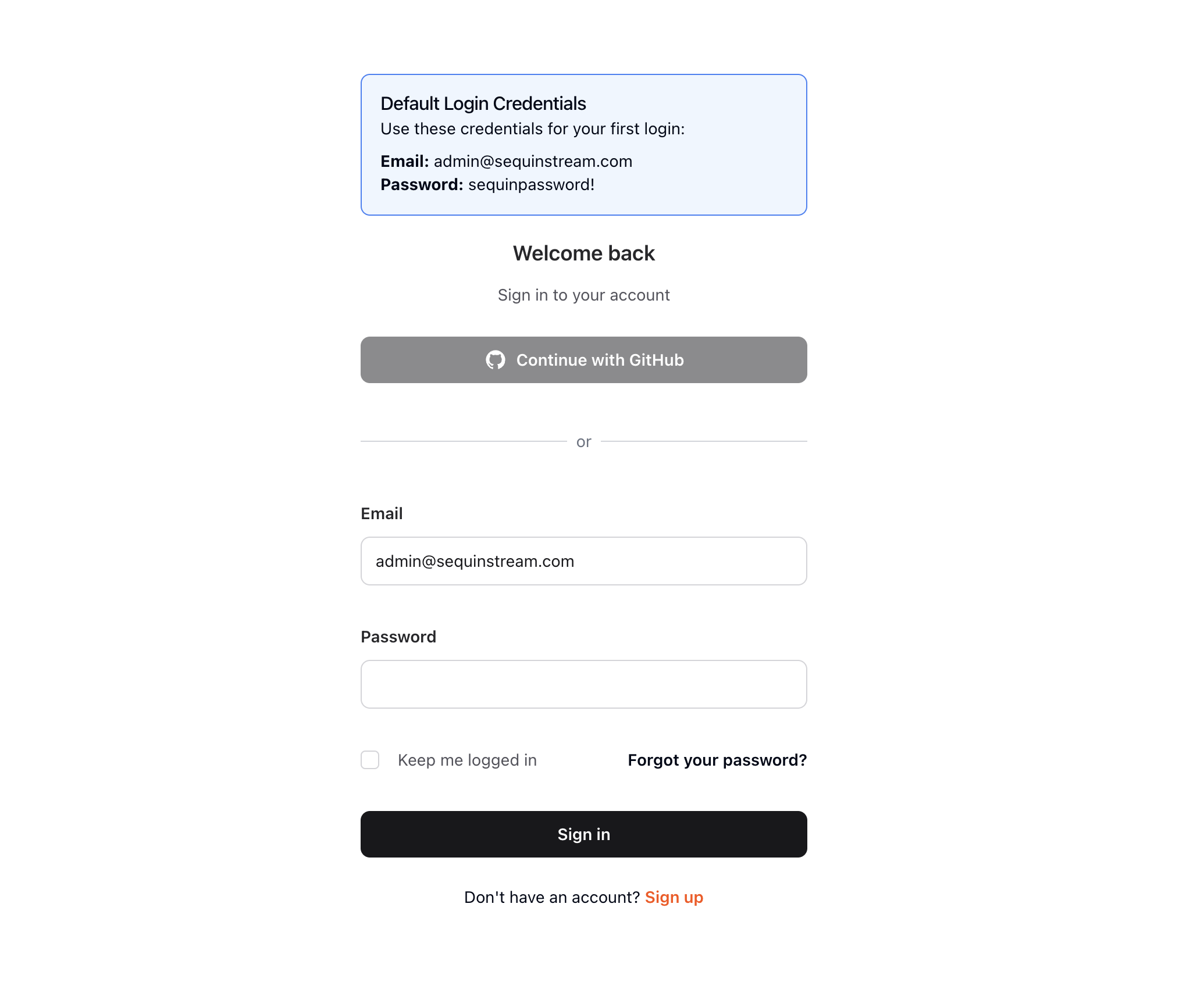
2
Login with default credentials
Use the following default credentials to login:
- Email:
- Password:
View the playground database
To get you started quickly, Sequin’s Docker Compose file creates a logical database called
sequin_playground with a sample dataset in the public.products table.Let’s take a look:1
Navigate to Databases
In the Sequin web console, click Databases in the sidebar.
2
Select playground database
Click on the pre-configured 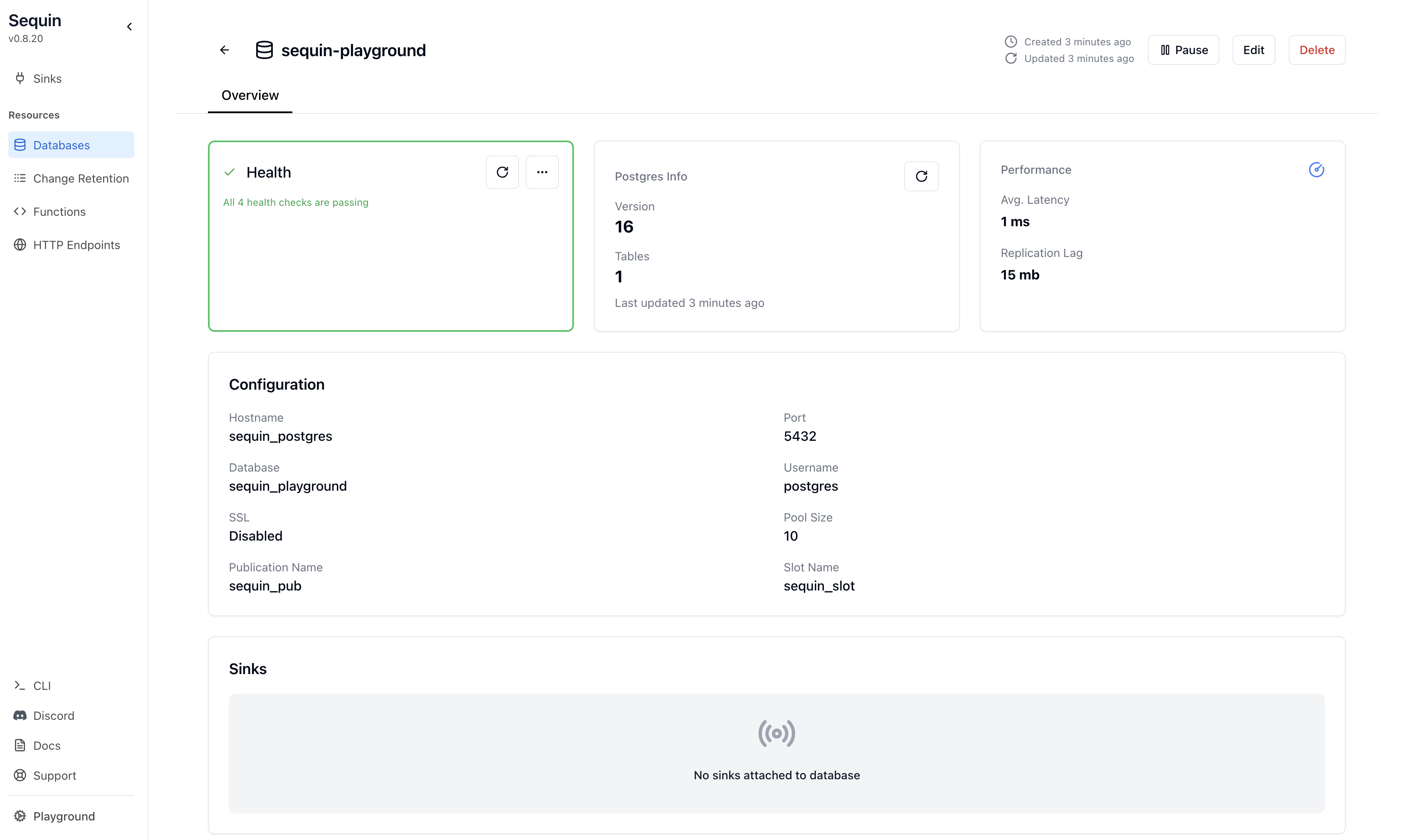
sequin-playground database:The database “Health” should be green.
3
View contents of the products table
Let’s get a sense of what’s in the You should see a list of the rows in the We’ll make modifications to this table in a bit.
products table. Run the following command:This command connects to the running Postgres container and runs a
psql command.products table:Subscribe to NATS
Before creating the sink, let’s set up a subscriber to watch for messages. You can use the NATS CLI container:Keep this terminal window open - you’ll see messages start flowing once we create the sink.
Create a NATS Sink
With the playground database connected, you can create a sink. This sink will send changes to the
products table to your NATS subject:1
Navigate to Sinks
Click “Sinks” in the sidebar navigation, then click “Create Sink”.
2
Select sink type
Select “NATS” as the sink type and click “Continue”.
3
Note "Source" configuration
In the “Source” card, note that the 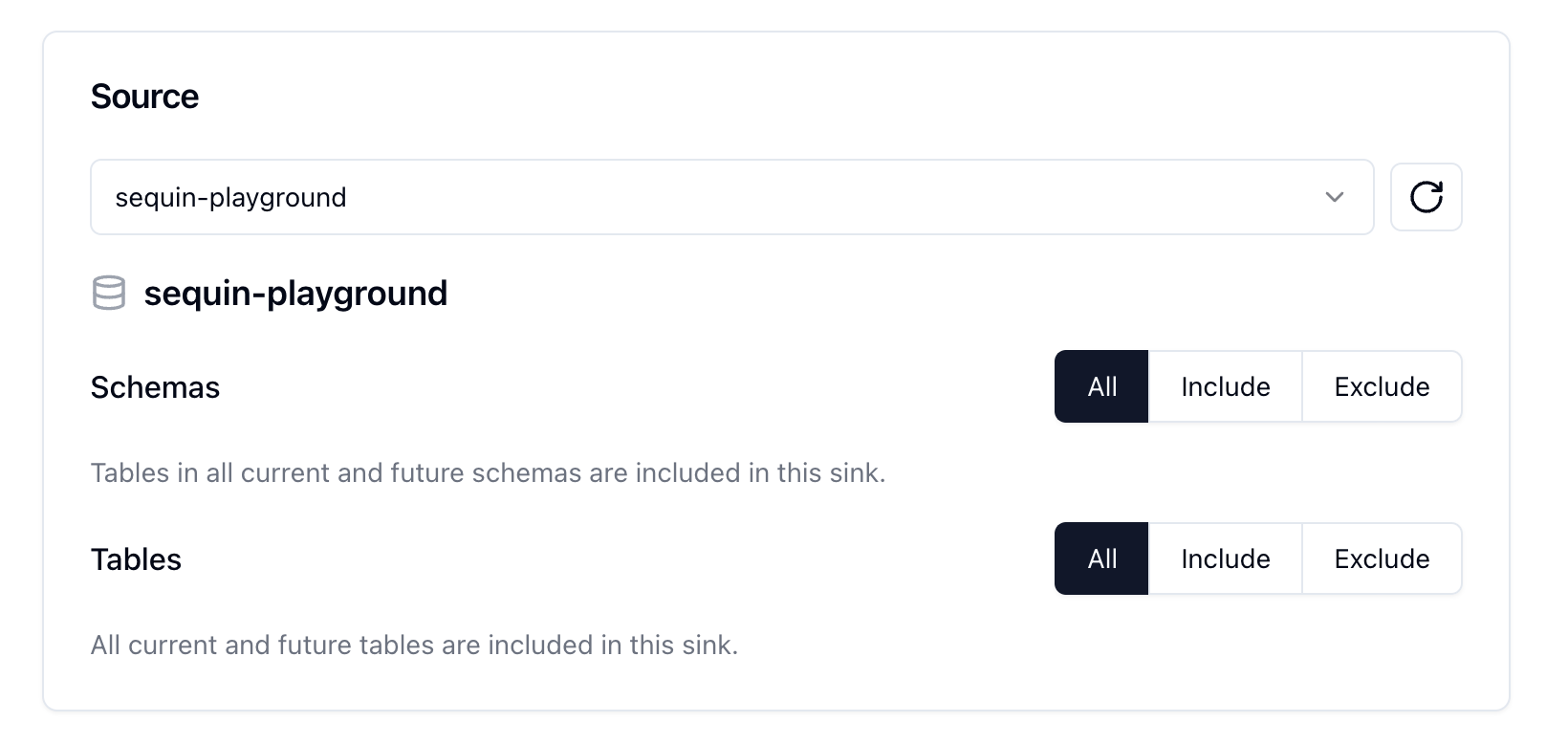
sequin-playground database is selected and all schemas and tables are included. Leave these defaults:4
Setup a backfill
In the 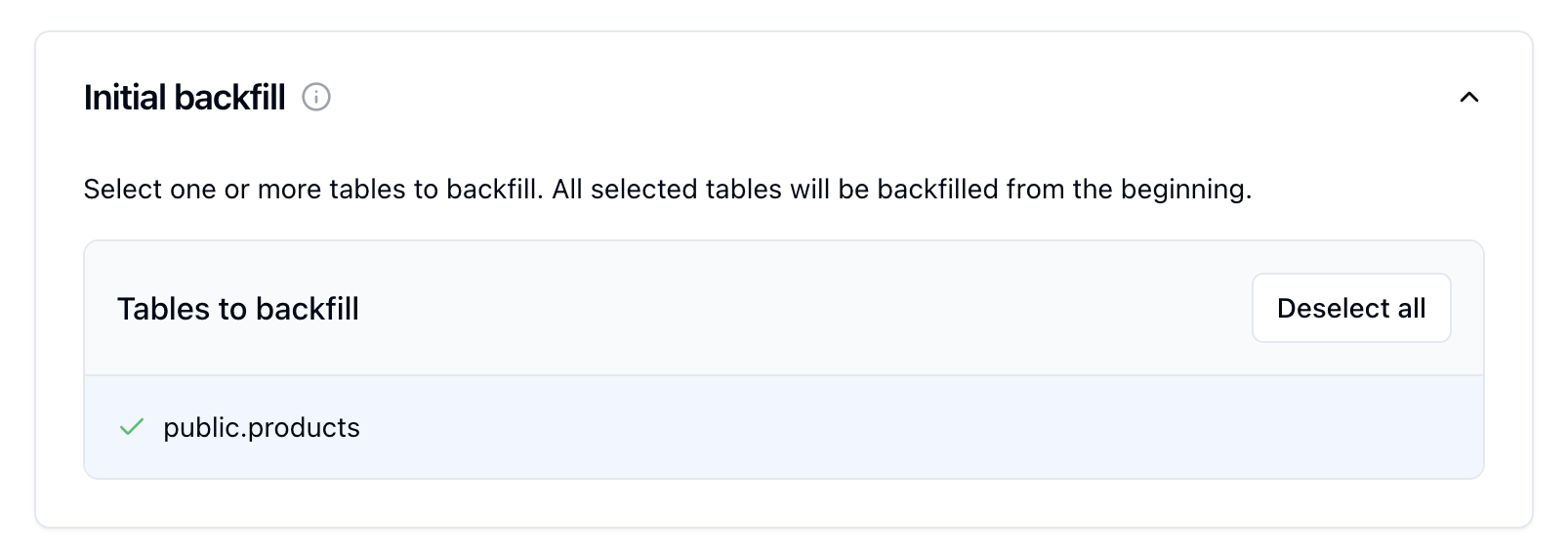
Inital backfill card, select the public.products table to initate a backfill when the sink is created.5
Configure "NATS Configuration"
In the “NATS Configuration” card, enter your NATS connection details: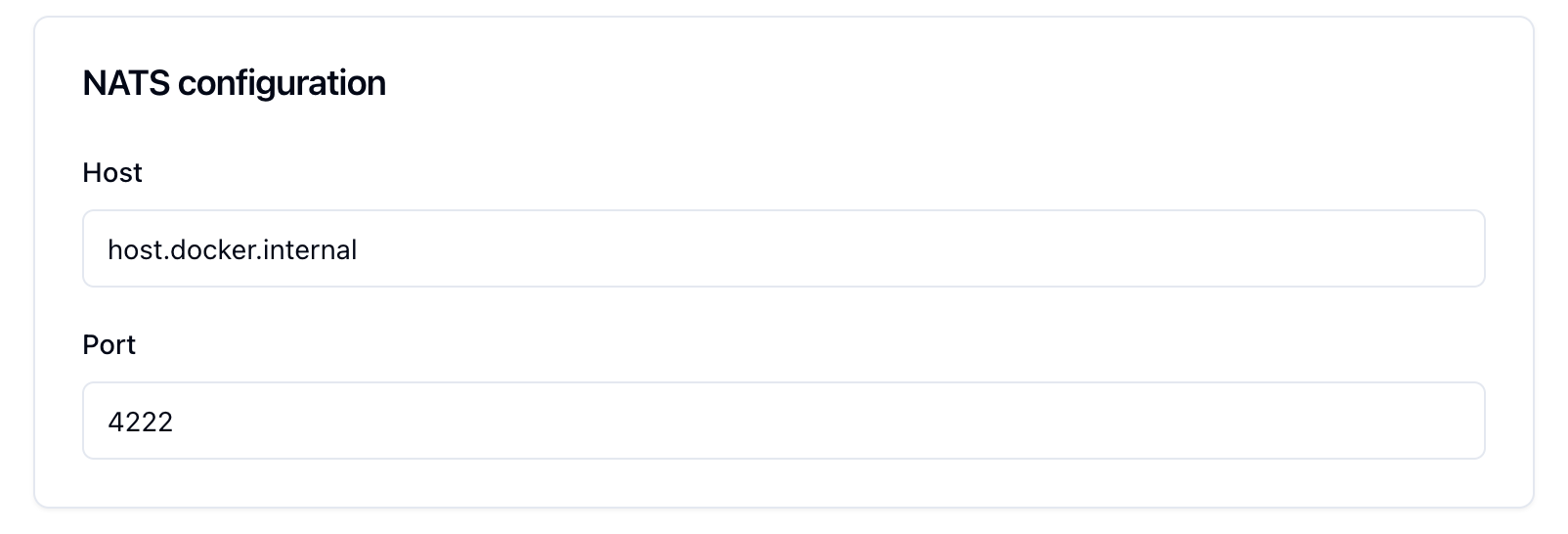
- Host: If running NATS and Sequin locally with Docker, use
host.docker.internal - Port: The port NATS is listening on (default: 4222)
- Username: (Optional) Your NATS username if authentication is enabled
- Password: (Optional) Your NATS password if authentication is enabled
- JWT: (Optional) Your NATS JWT if authentication is enabled
- NKey Seed: (Optional) Your NATS NKey seed if NKey authentication is enabled
- TLS: Enable TLS/SSL for secure connection (default: disabled)
6
Test the connection
At the bottom of the form, click the “Test Connection” button. If you provided proper credentials, it should succeed.
Sequin can connect to your NATS server.
7
Create the sink
You can leave the rest of the defaults. As configured, the NATS subject will first receive a backfill of all rows currently in the
products table. Then, it will receive all changes to the products table in real-time.Click “Create Sink” to finish setting up your NATS sink.See changes flow to your NATS subject
On the new sink’s overview page, you should see the “Health” status turn green, indicating data is flowing to your NATS subject.Let’s confirm messages are flowing:
1
Messages tab
Click the “Messages” tab. You’ll see a list of the recently delivered messages: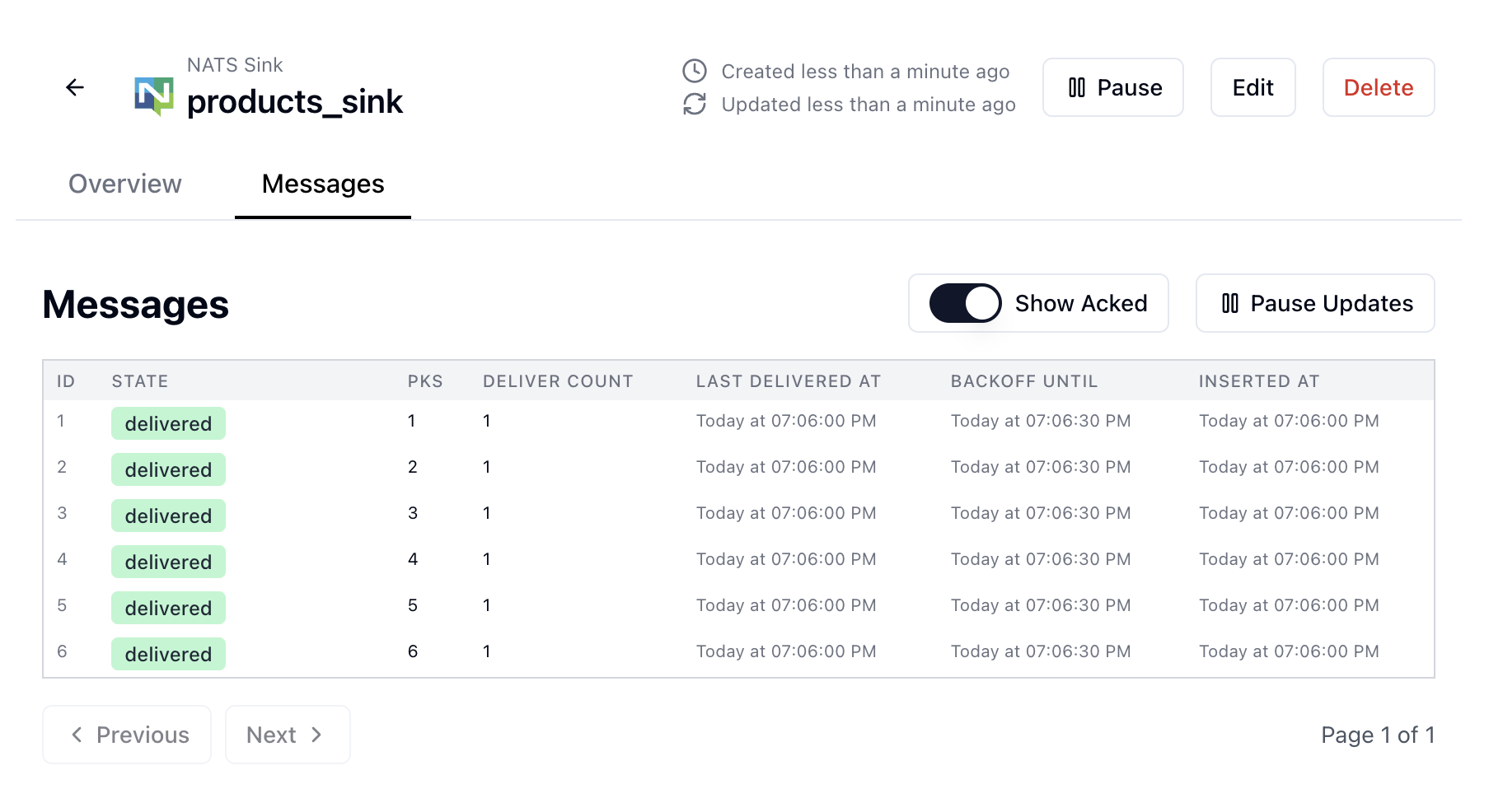
Sequin indicates it backfilled the
products table to your NATS subject.2
Check your NATS subscription
Return to the terminal where you started the NATS subscription earlier. You should see the messages that were sent from Sequin: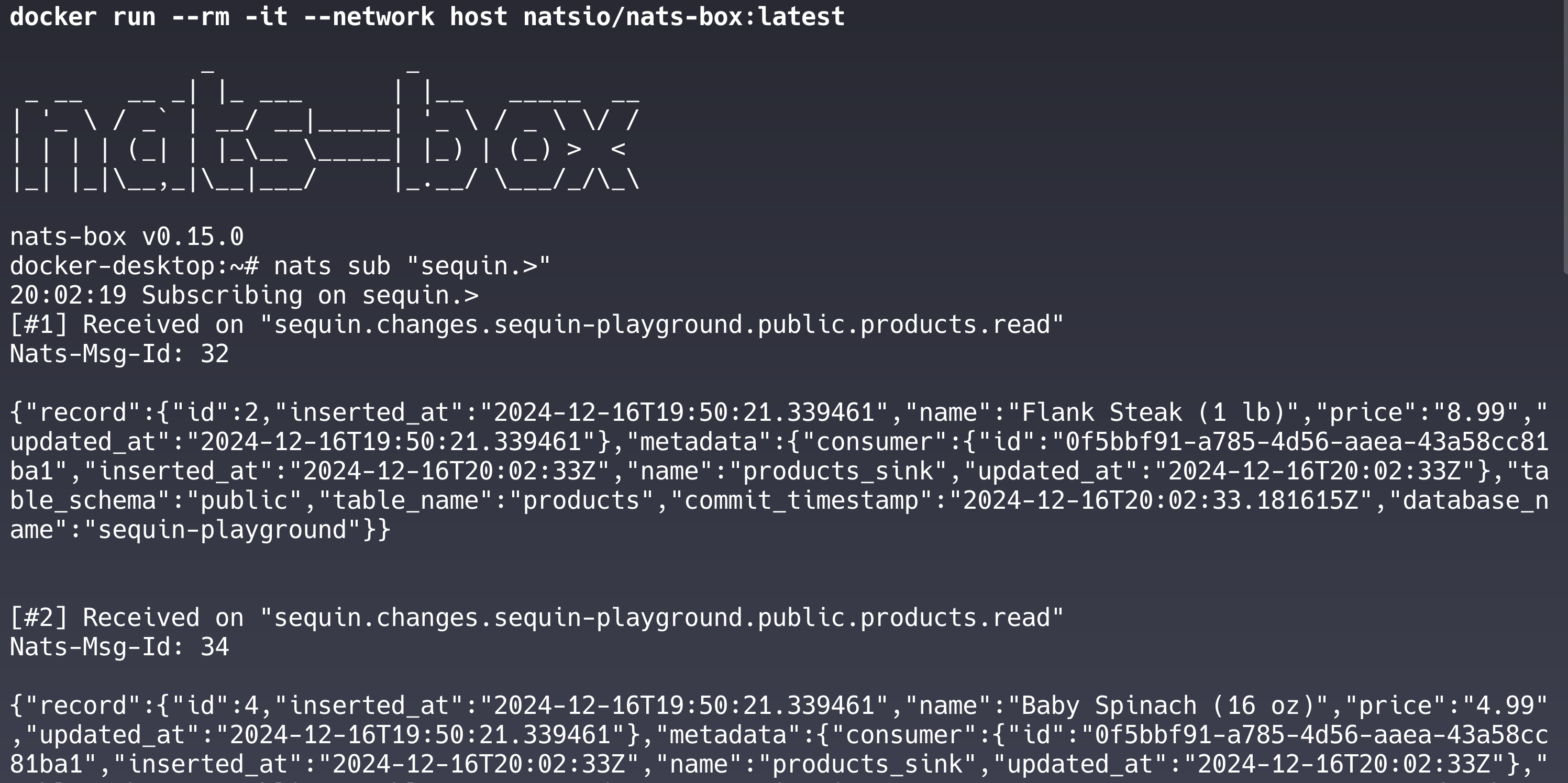
read events from the initial backfill of the products table.Messages are flowing from Sequin to your NATS subject.
3
Make some changes
Let’s make some changes to the In your NATS subscription terminal, you should see a message corresponding to the inserted row.Feel free to try other changes:
Each change will appear in your NATS subject within a few seconds.
products table and see them flow to your subject.In your terminal, run the following command to insert a new row into the products table:Update a product's price
Update a product's price
Change a product's name
Change a product's name
Delete a product
Delete a product
Great work!
- Set up a complete Postgres change data capture pipeline
- Loaded existing data through a backfill
- Made changes to the
productstable - Verified changes are flowing to your NATS subject
Ready to stream
Now you’re ready to connect your own database to Sequin and start streaming changes:Guide: Connect Postgres
Connect your Postgres database to Sequin.
Guide: Setting up a NATS sink
Setup a NATS sink to send changes to your subject.